Swipewipe: review, pricing, and a free alternative that actually deletes
Updated 23 September 2026 · 6 min read · Swipewipe details taken from its App Store listing on 23 Sept 2026
Swipewipe is a very good swipe-to-sort photo app, made by MWM, with "memories" features (On This Day, a travel map) that Giga does not have. Its full feature set sits behind a subscription, and it requires iOS 18. Giga uses the same gesture, right to keep, left to delete, but starts from a different idea: set yourself a goal in gigabytes, find what weighs (duplicates verified byte for byte, bursts, screenshots, large videos), and let you decide. Its free plan actually deletes up to 3 GB a week, there is a lifetime option, everything stays on the iPhone, with no ads and no tracking, from iOS 16.4.
Same gesture, a goal in GB, a free plan that really deletes. Nothing is uploaded, nothing goes without your confirmation.
What Swipewipe does, according to its listing
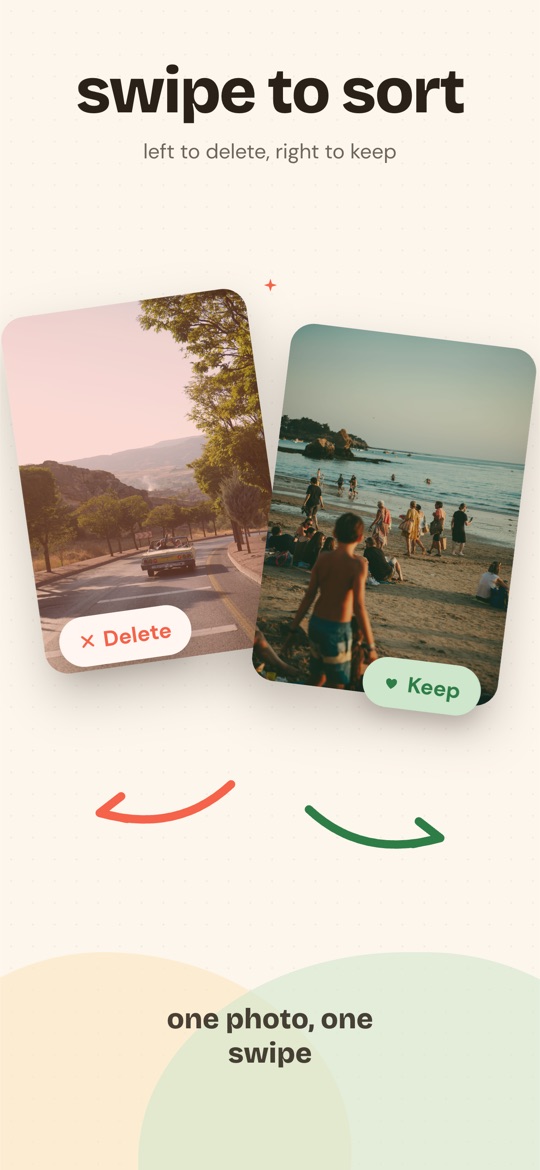
Swipewipe (MWM, a French developer) walks you through your camera roll month by month and lets you decide with a swipe: right to keep, left to delete. Around the gesture, the listing highlights:
- On This Day: relive the photos taken on the same day in previous years, with a widget and daily streaks.
- A memory map that places your photos on a world map.
- AI enhancement to restore old or blurry photos.
- Bookmarks to set aside what you are unsure about, progress tracking and space-saved statistics.
- Detection of similar photos, blurry shots and screenshots.
As of 23 September 2026, the app shows 4.7 out of 5 on the US App Store with more than 90,000 ratings. It is a mature, well-liked application. It requires iOS 18 or later.
What Giga does, and how it differs
Giga is not a memories app, it is a cleaning app. It starts by measuring your library, on the iPhone, without downloading originals from iCloud: how much the exact duplicates, bursts, screenshots, large videos, screen recordings and old photos weigh. Then it asks how much you want to get back.
- A goal in gigabytes. 1 GB, 5 GB, 10 GB or everything that is piling up. Every swipe, in any category, moves the same bar. One challenge done, you start another.
- Duplicates that really are. Giga only says "duplicate" for two files captured at the same instant with identical file sizes, byte for byte. A burst is laid out and you tick; the app never designates the "best" photo.
- Nothing goes without you. A swipe prepares a selection. You review it in full, then iOS asks for a second confirmation. A photo kept by mistake shows up in "Kept items" and comes back to the pile with a tap.
- A free plan that deletes. Smart Swipe and month-by-month browsing are free, with 3 GB of deletion per rolling week, review and confirmation included. No daily swipe cap.
- Three ways to pay, including once. $6.99 a week, $24.99 a year (3-day trial on both subscriptions), or $44.99 once for life. US prices; the App Store shows yours before any payment.
- Private by design. No photo leaves the iPhone, no ads, no ad tracking, no advertising identifier requested.
- iOS 16.4 and later, in twelve languages.
Which one should you pick?
| You want… | Go with |
|---|---|
| To relive memories while sorting (On This Day, map, widget) | Swipewipe |
| To restore old photos with AI | Swipewipe |
| To get a precise number of gigabytes back, and know where they are | Giga |
| Duplicates verified by file size, never by resemblance | Giga |
| To delete without paying, within a weekly limit | Giga |
| To pay once, with no subscription | Giga |
| An iPhone on iOS 16 or 17 | Giga |
| Google Photos or Android | Not Giga: check Swipewipe's listing |
What Giga does not do. No On This Day, no map, no retouching or image enhancement, no widget. No Google Photos, no Android. The six dedicated categories (duplicates, similar, screenshots, large videos, recordings, old photos) are in Premium; the free plan reaches them through Smart Swipe, which draws from all of them.
Frequently asked questions
Is Swipewipe free?
Swipewipe is a free download on the App Store with in-app purchases; its full feature set sits behind a subscription whose price is shown on its listing and inside the app. We do not reproduce its prices here, because they change and a wrong price helps nobody.
Is Giga really free?
Giga's free plan includes Smart Swipe and month-by-month browsing, and lets you actually delete up to 3 GB per rolling week, review and confirmation included. Premium ($6.99 a week, $24.99 a year with a 3-day trial, or $44.99 once for life) removes the limit and opens the six dedicated categories.
Can I use Swipewipe and Giga on the same library?
Yes. Both work directly in the iOS photo library: what one deletes disappears for the other, and everything goes through the Recently Deleted album for 30 days. Nothing stops you from trying both.
Does Giga work with Google Photos or on Android?
No. Giga is an iPhone app that only reads the iOS photo library (and therefore iCloud). If your photos live in Google Photos or on Android, Giga is not for you.
Free on the App Store · iOS 16.4 or later · no photo ever uploaded.